How a CS2 aimbot works
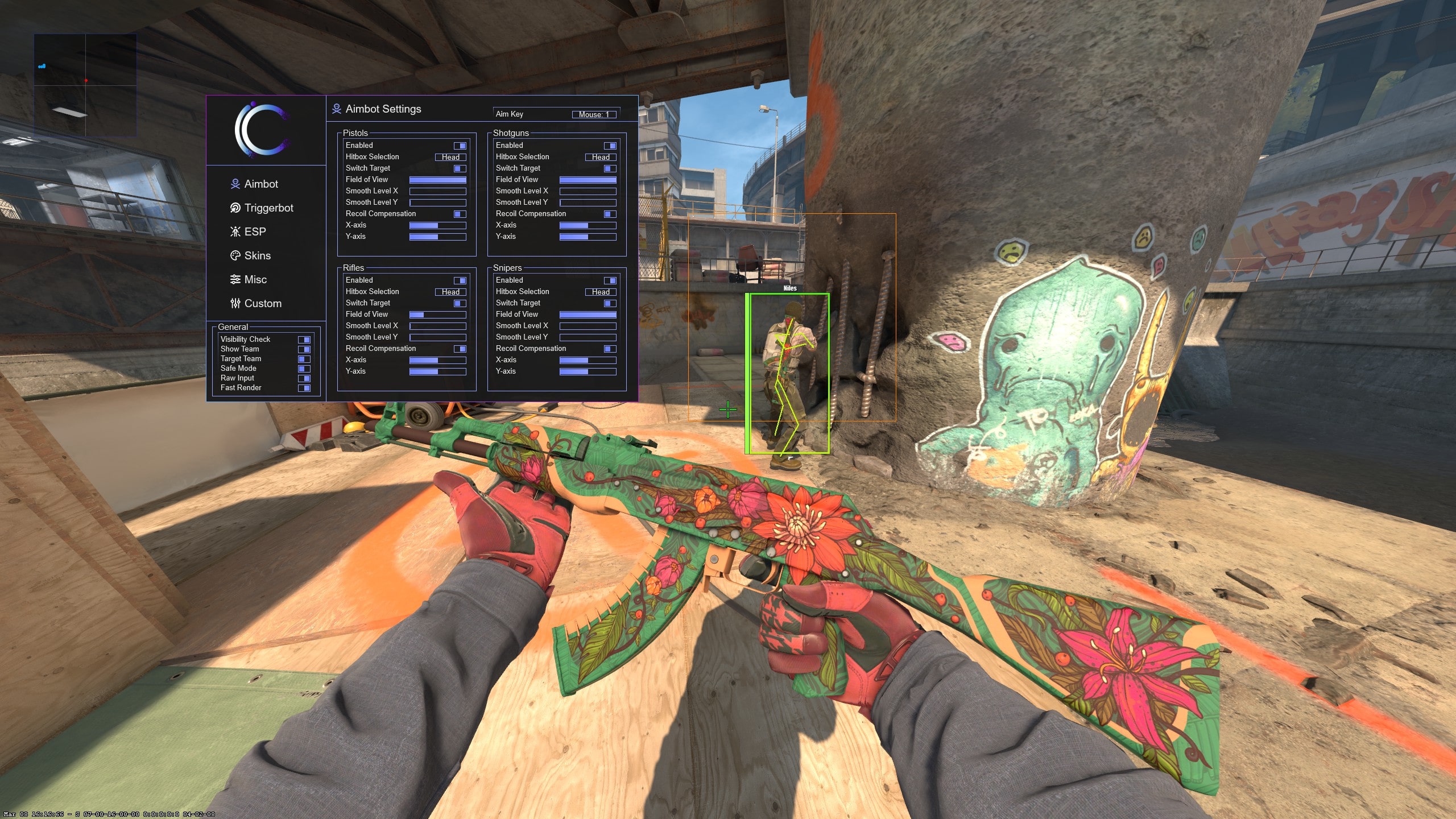
A CS2 aimbot reads target information and moves your aim toward a selected point. The useful differences are in the controls: target selection, field of view, smoothing, recoil compensation, visibility checks and the activation key all change how the feature behaves.
Simple aim assist reduces the setup work. Advanced products expose more of those controls, which is useful when you want separate profiles for rifles, pistols or snipers.
Legit aim versus rage aim
Legit aim settings use a smaller field of view and smoother movement to resemble normal mouse input. Rage-oriented settings prioritise speed and lock strength. These are configuration styles rather than safety categories: neither one changes the underlying product status.
Faster, wider or more consistent correction is easier for other players and spectators to notice. That can increase reports and VACNet cooldown risk even when the current build has no known VAC detection. Read the status guide before treating any setting label as reassurance.
CS2 aimbot setting glossary
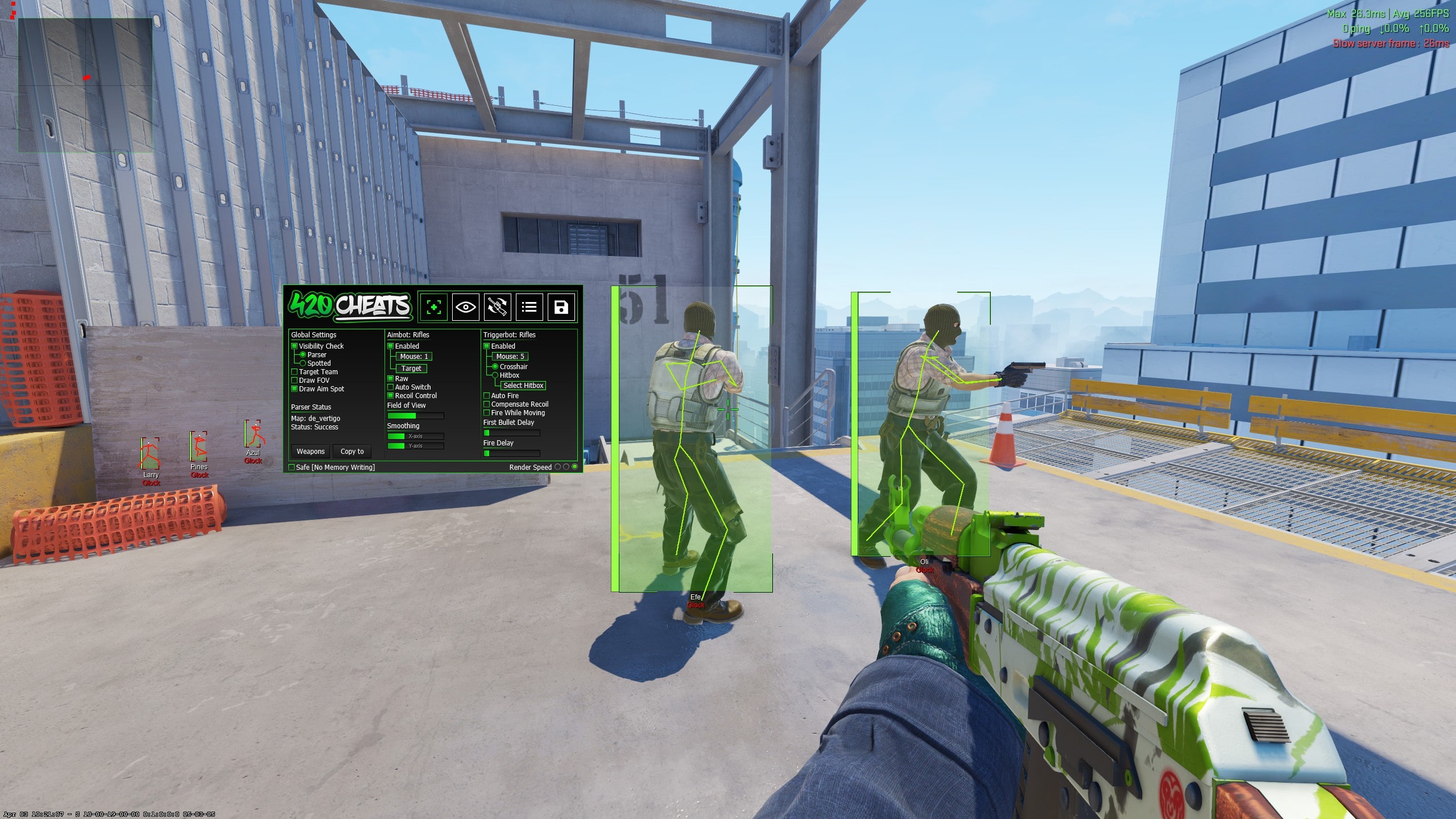
Field of view, often shortened to FOV, defines the area around the crosshair in which a target can be selected. Smoothing controls how gradually correction is applied. An activation key decides when assistance can operate, while a visibility check restricts selection to targets that meet the product’s visibility rule.
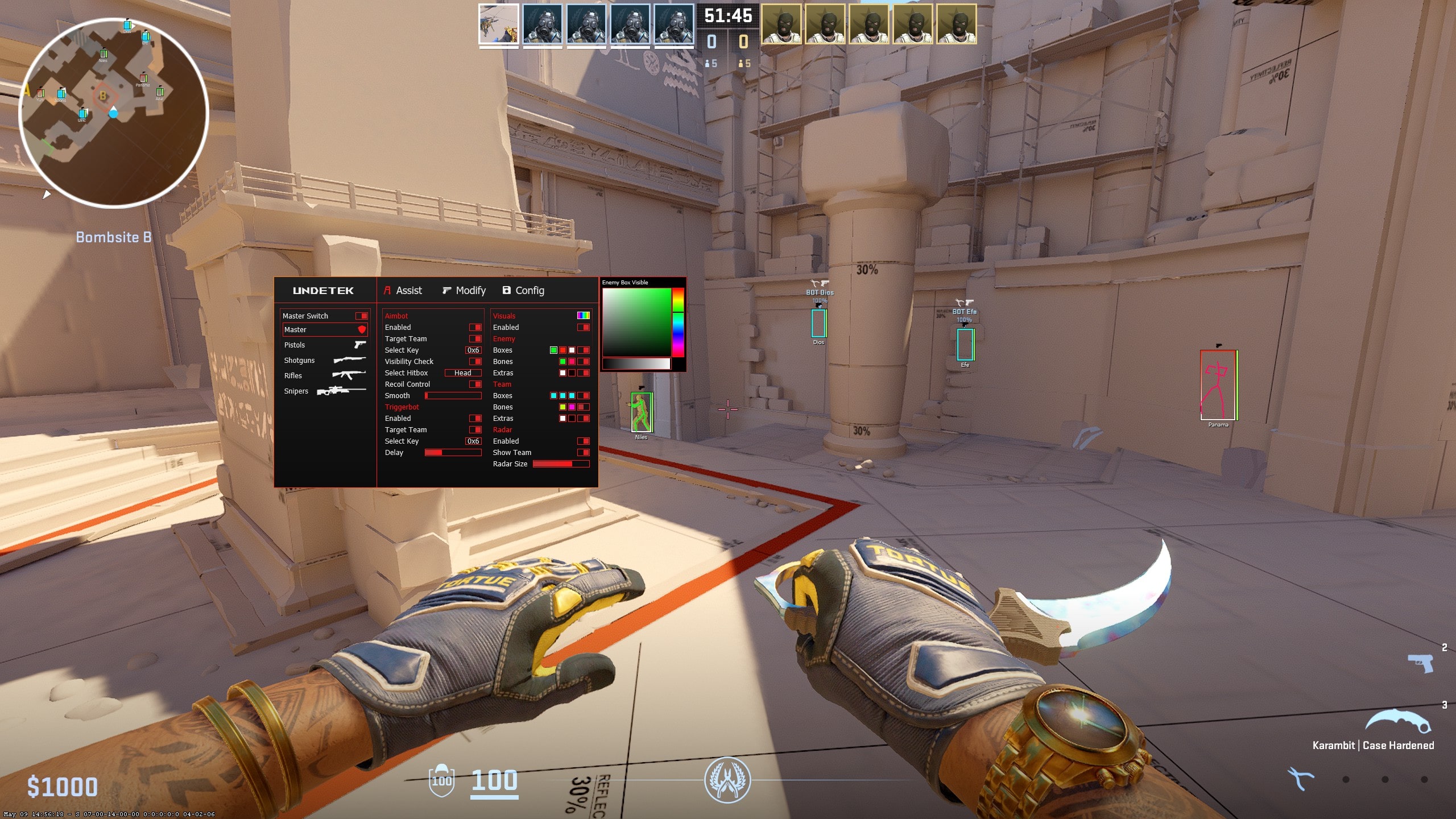
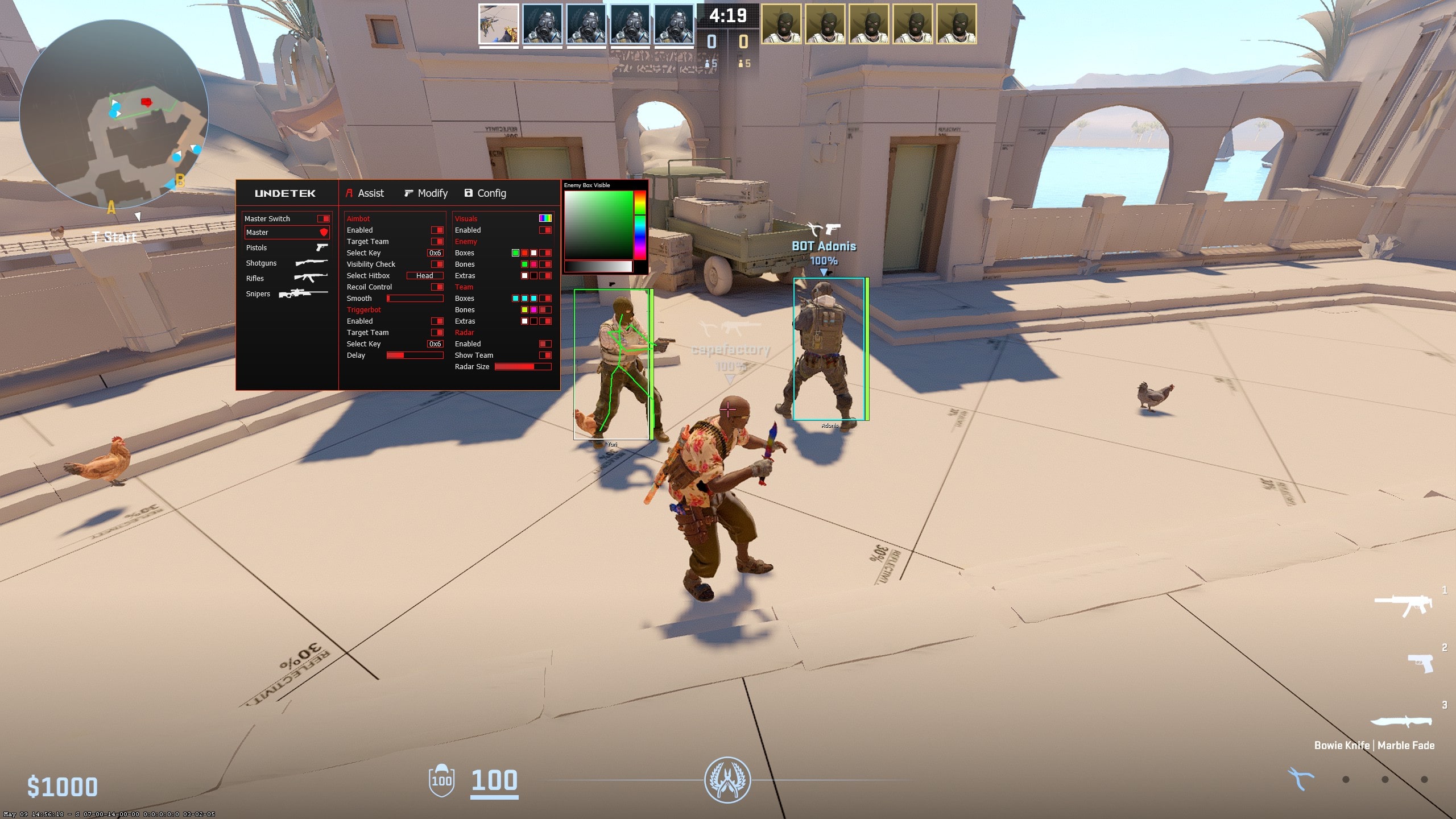
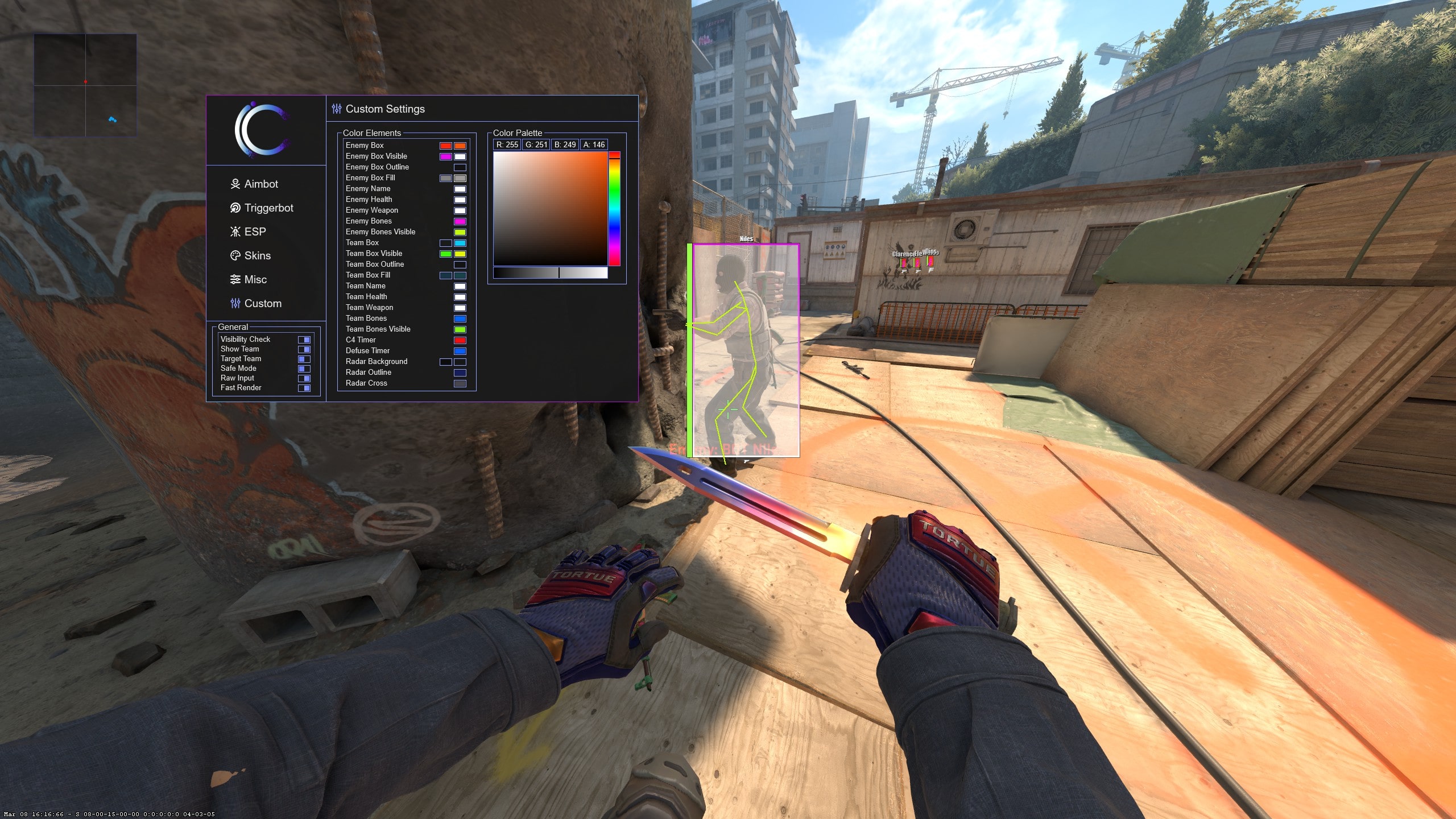
Target and hitbox controls choose the point or priority used by the feature. Recoil controls compensate for weapon movement where supported. The exact menu names differ between products, so screenshots are more useful than assuming two similarly named settings behave identically.
- FOV: the selectable area around the crosshair
- Smoothing: how gradually correction moves
- Activation: when the feature may operate
- Visibility: whether hidden targets are excluded
- Target or hitbox: the selected aim point
- Recoil control: supported compensation during a spray
Simple aim assist or advanced controls?
A simple CS2 aim hack is quicker to learn because it presents fewer decisions. The free build introduces activation and smoothing, while Undetek+ adds the feature to a maintained full suite at the lowest paid entry price. This is enough when you want a compact menu rather than a separate option for every weapon or target rule.
iCheat Pro and 420Cheats Pro are the advanced choices. Their deeper menus are a better fit when you want to compare weapon profiles, field of view, target selection, smoothing, visibility and recoil behaviour. More settings create flexibility, but they also require more testing and do not automatically produce a better configuration.
Weapon profiles and repeatable testing
Rifles, pistols and sniper rifles do not feel the same, so one profile may not suit every weapon. Advanced products can separate supported weapon behaviour; a simpler product is easier when one restrained setup is enough. Change one value at a time so you can identify what actually changed the result.
Begin in a low-stakes practice environment, confirm the activation key, then test field of view and smoothing before adding target or recoil controls. Save a working configuration before making larger changes. Product updates can change compatibility, so verify the current build again after Counter-Strike 2 updates.
CS2 aimbot versus triggerbot
Aimbot and triggerbot solve different problems. Aimbot assists movement toward a target; triggerbot activates fire when the existing crosshair meets a valid target. A triggerbot can work without moving the crosshair, and aim assistance can work without firing automatically.
Keeping them separate during setup makes unexpected behaviour easier to diagnose. Test aim movement first, then trigger activation and delay. The dedicated triggerbot guide explains the available simple and advanced choices.
Choosing the right CS2 aim hack
Choose the free CS2 cheat when price is the deciding factor and basic aim controls are enough. Choose Undetek+ for the lowest-cost maintained full suite. Choose iCheat Pro or 420Cheats Pro when detailed aim, weapon, recoil and visual configuration matter more than the lowest starting price.
All three paid aim products also include ESP, triggerbot and cosmetic features, so the final decision should consider the whole feature mix and the price for the access length you need. The comparison page includes every listed access term rather than only the two-week headline price.