What a CS2 skin changer actually changes
A skin changer replaces the appearance of supported equipment in your local Counter-Strike 2 client. You select a weapon, knife, glove or agent, choose the cosmetic you want and apply the supported appearance values from the external menu.
These changes are visual. They do not mint an item, change its market ownership or place anything tradable in your official Steam inventory. When the changer is not active, your real inventory remains unchanged.
Weapon skins, knives and gloves
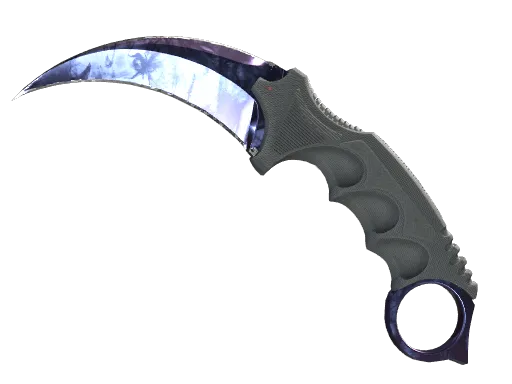
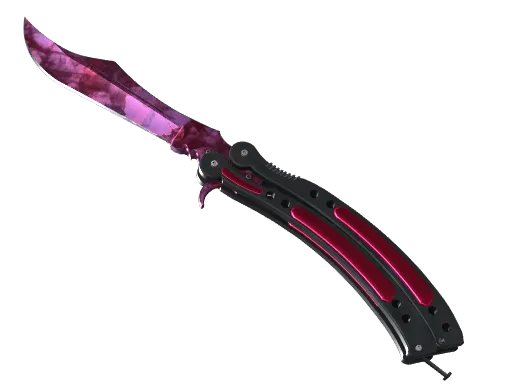
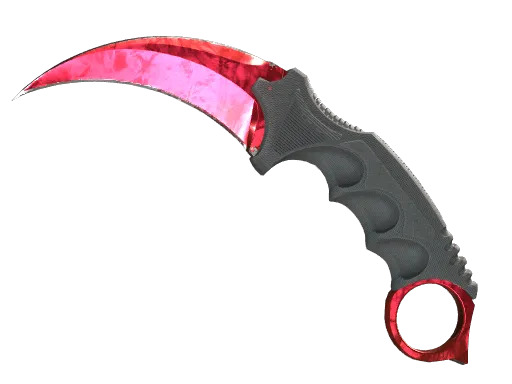
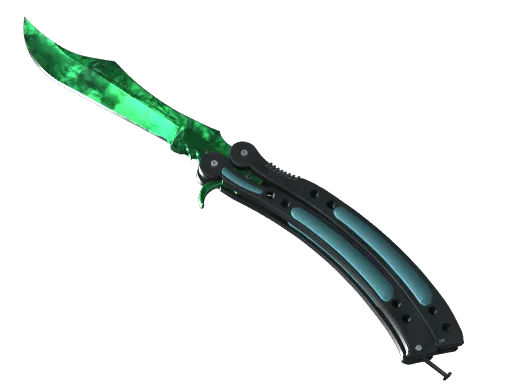
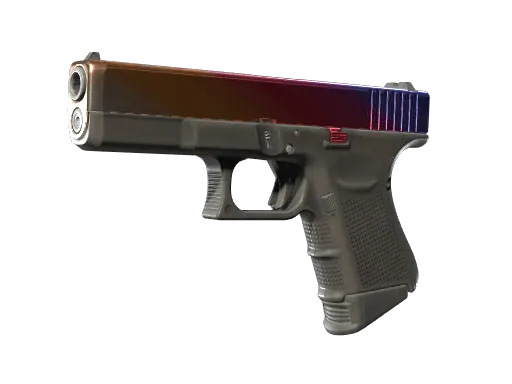
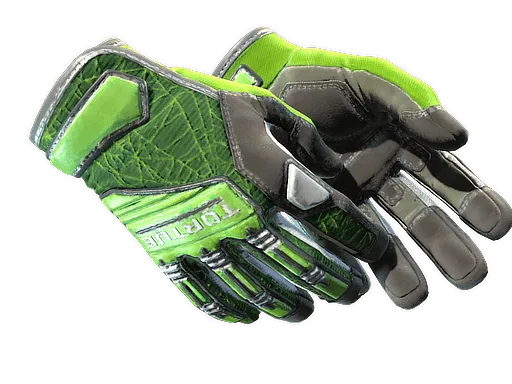
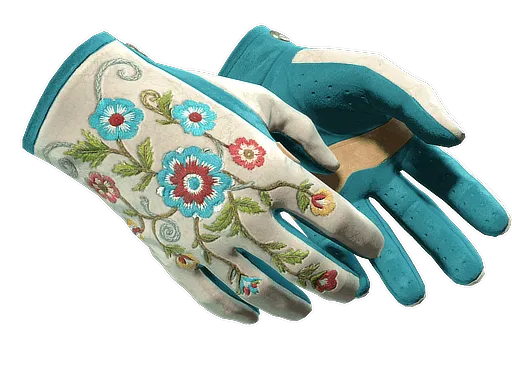
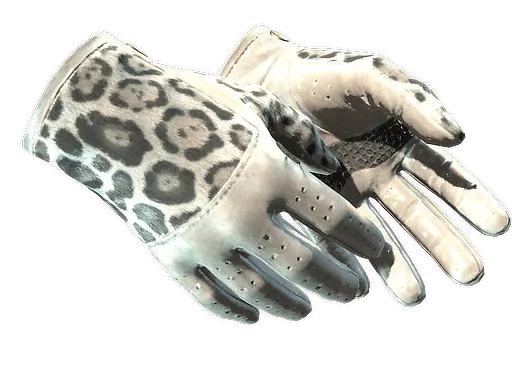
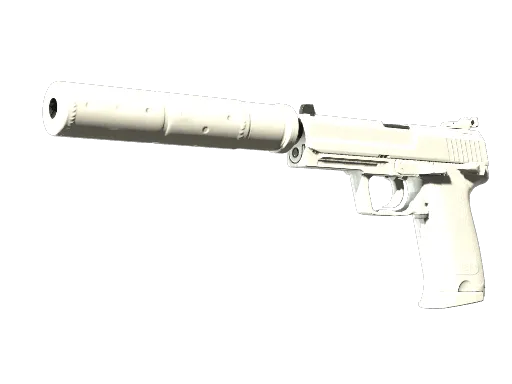
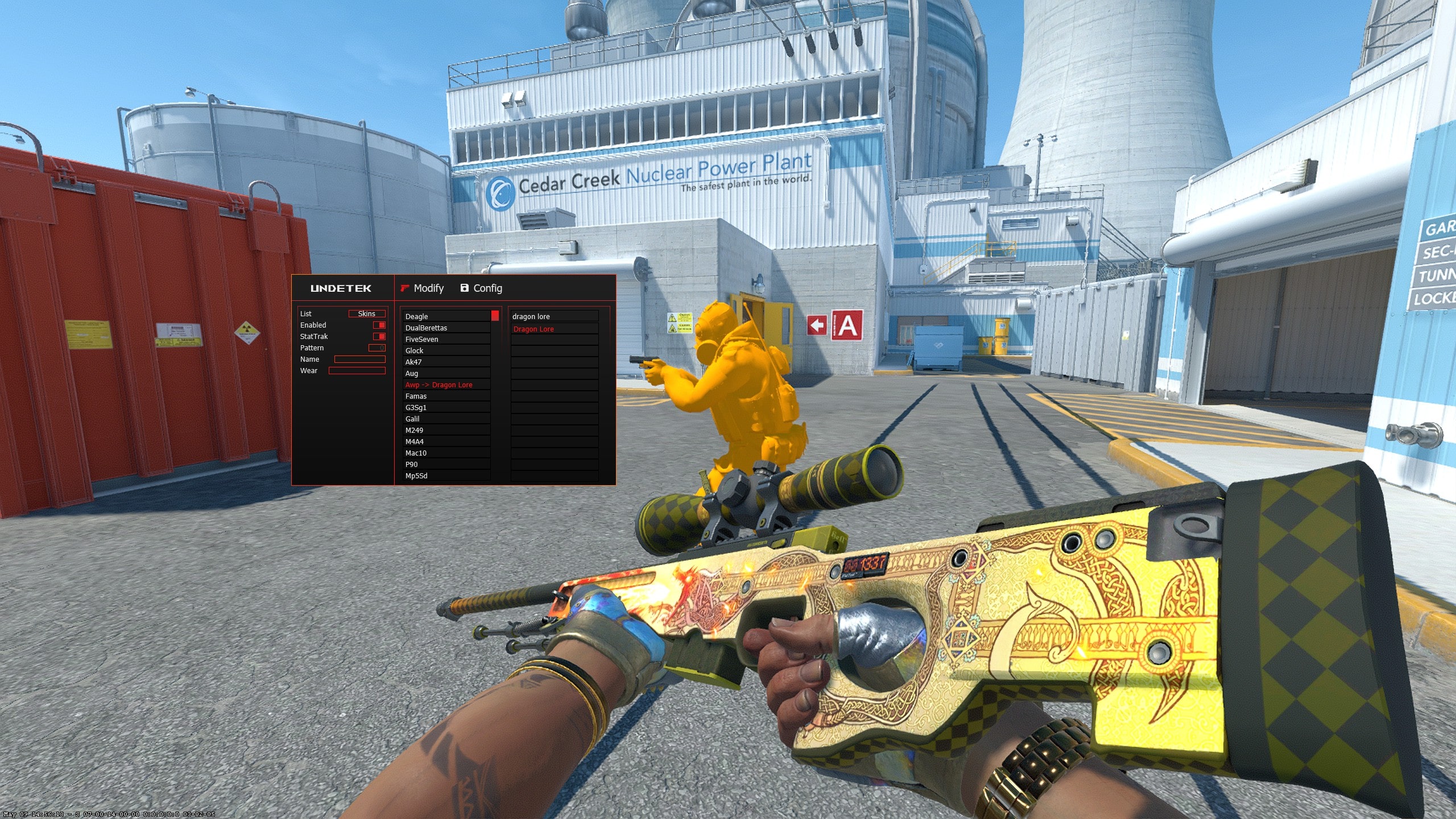
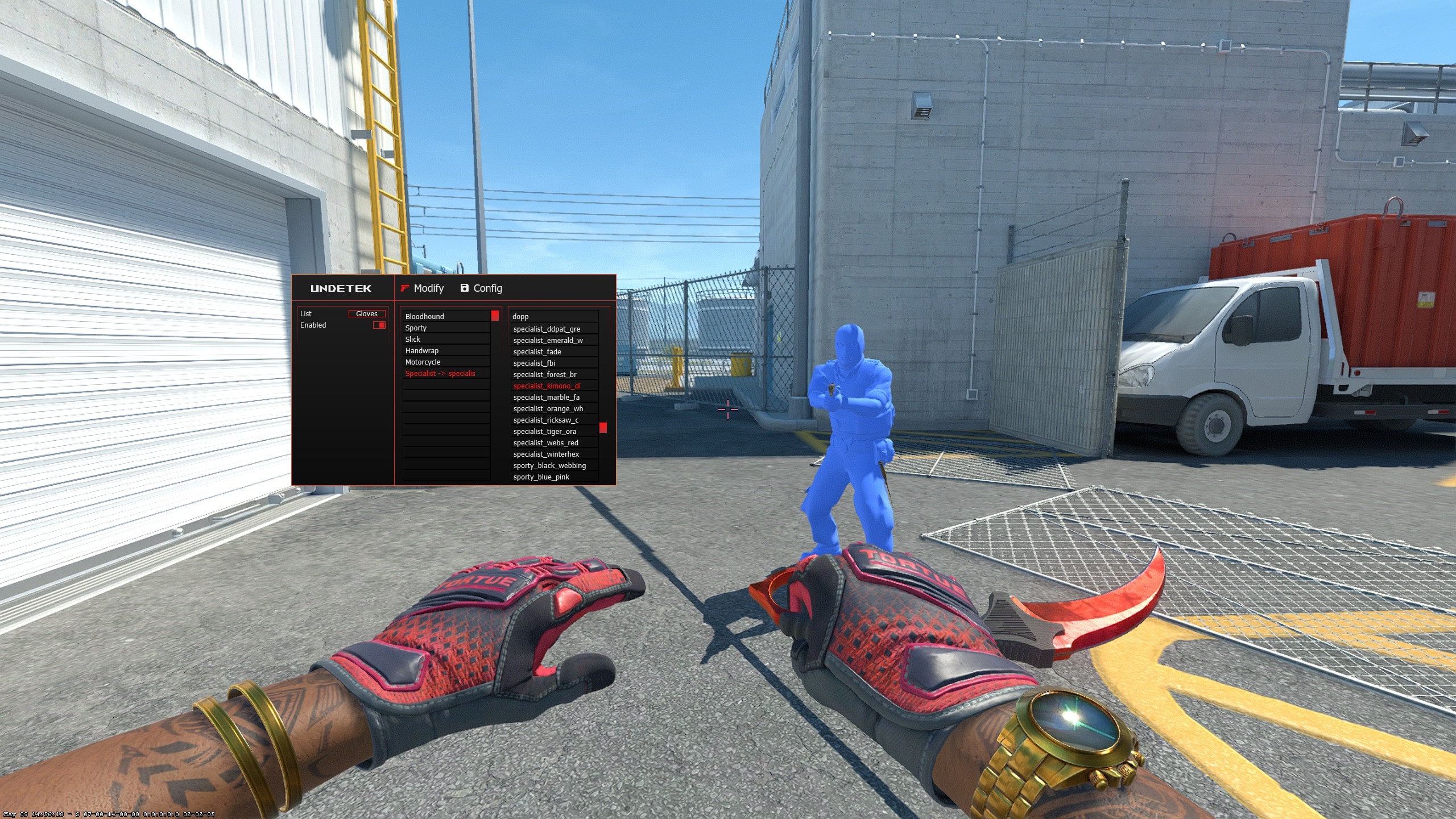
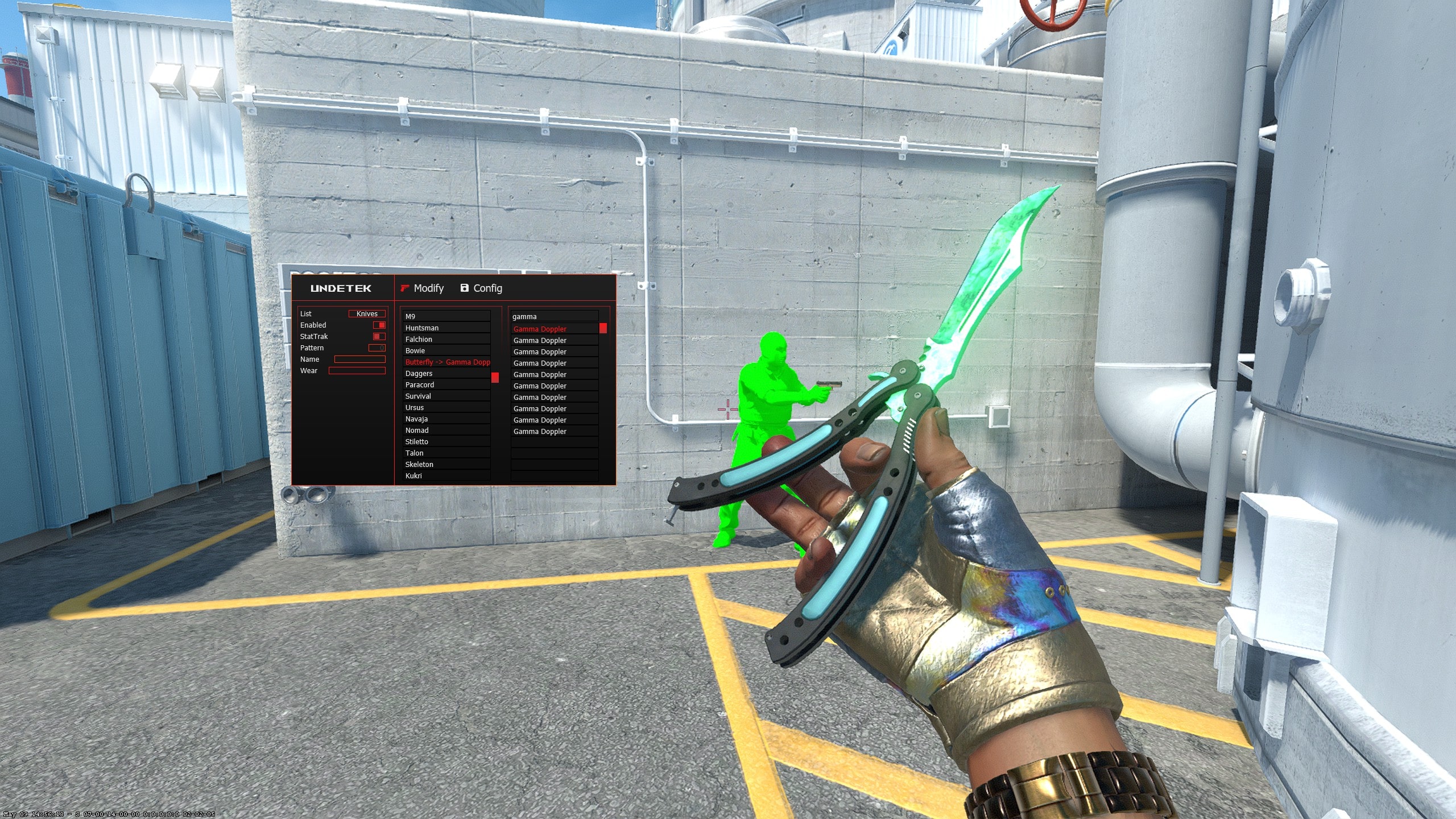
The weapon selector covers supported finishes for the main CS2 weapon categories. Knife controls pair a supported knife model with a finish, while the glove changer lets you build a matching combination rather than treating each cosmetic in isolation.
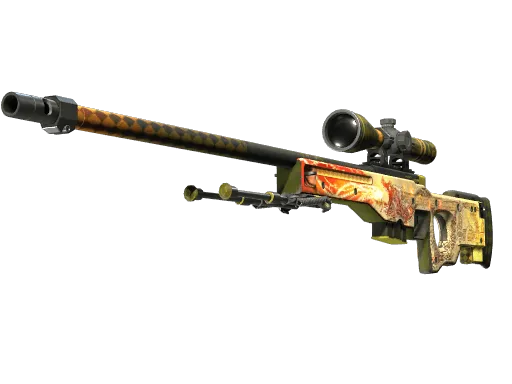
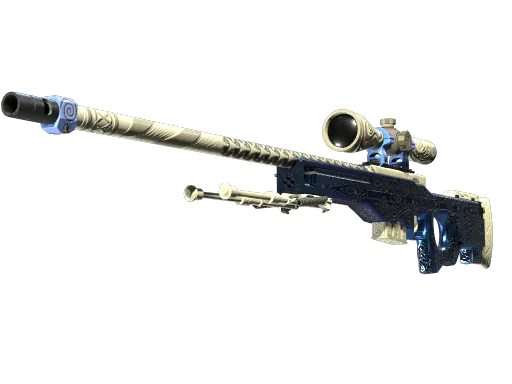
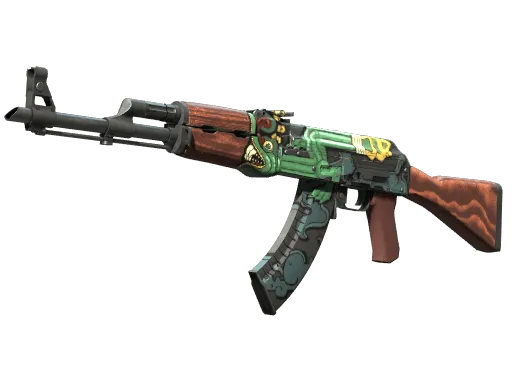
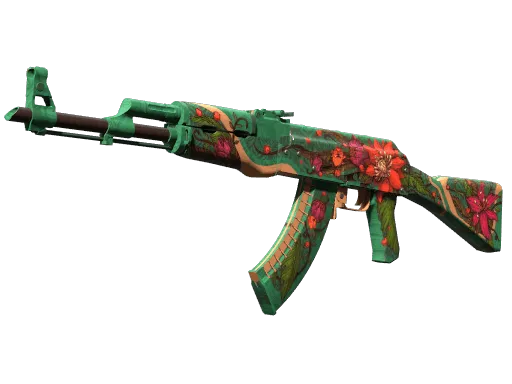
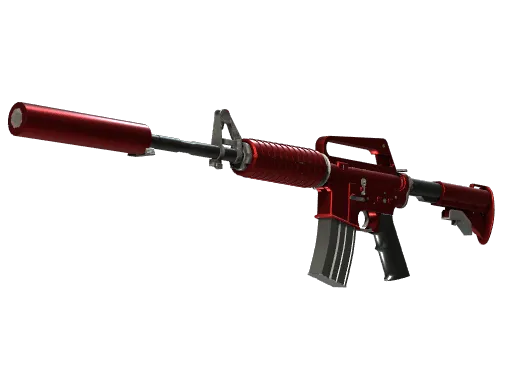
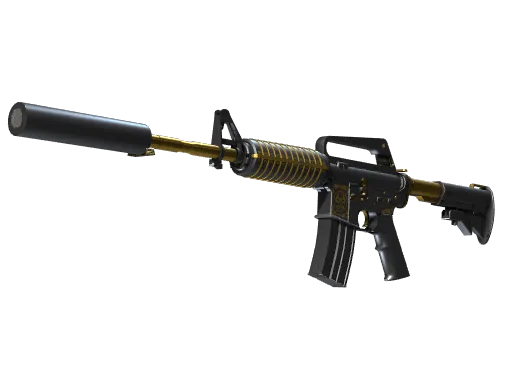
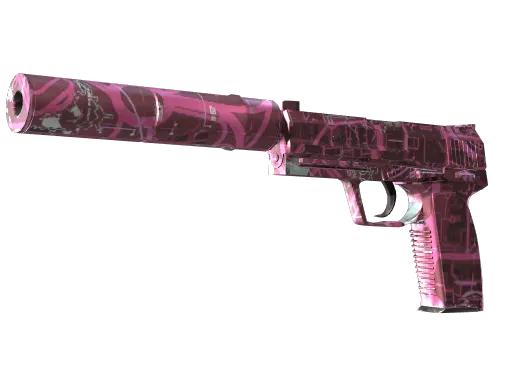
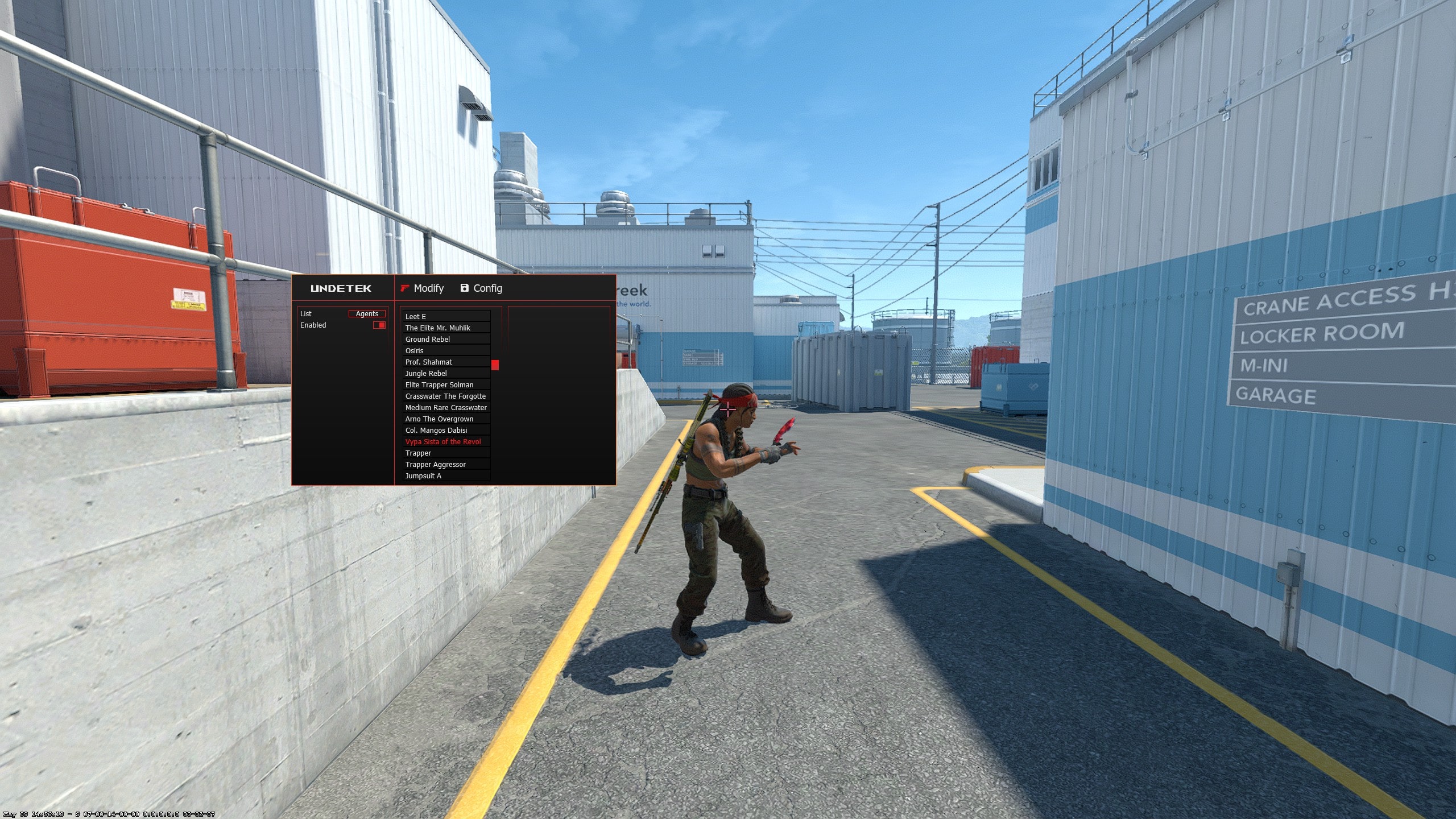
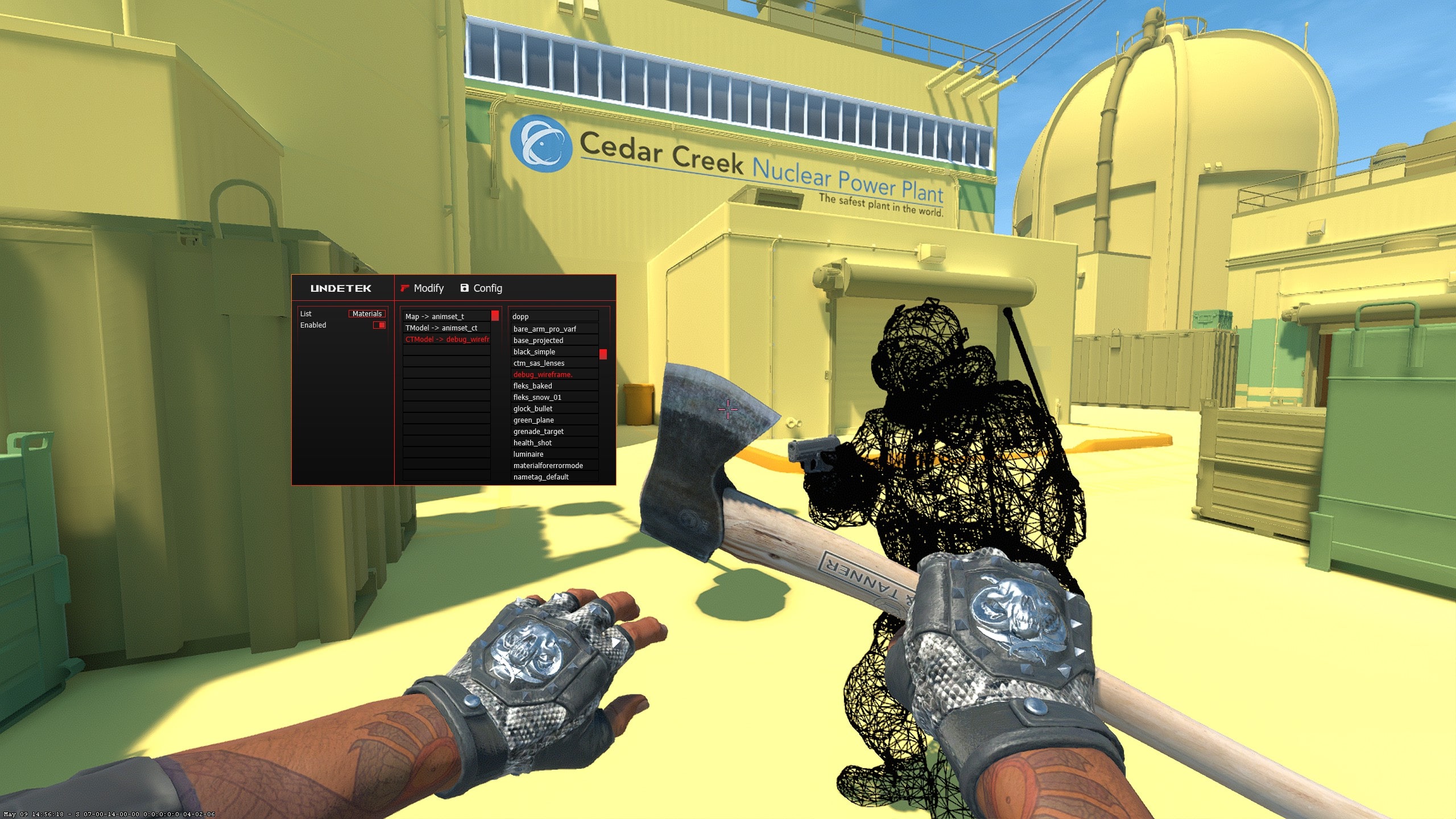
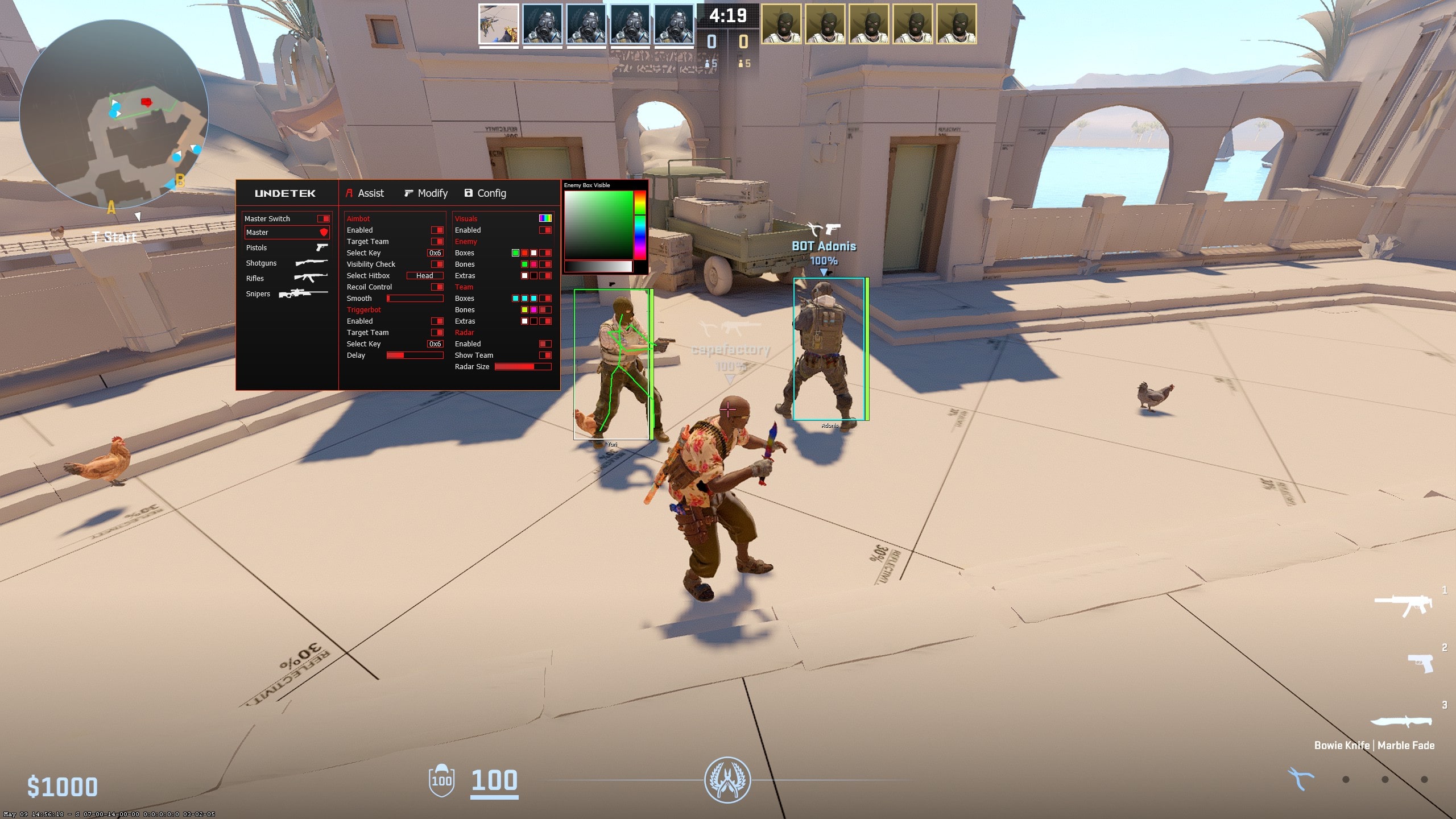
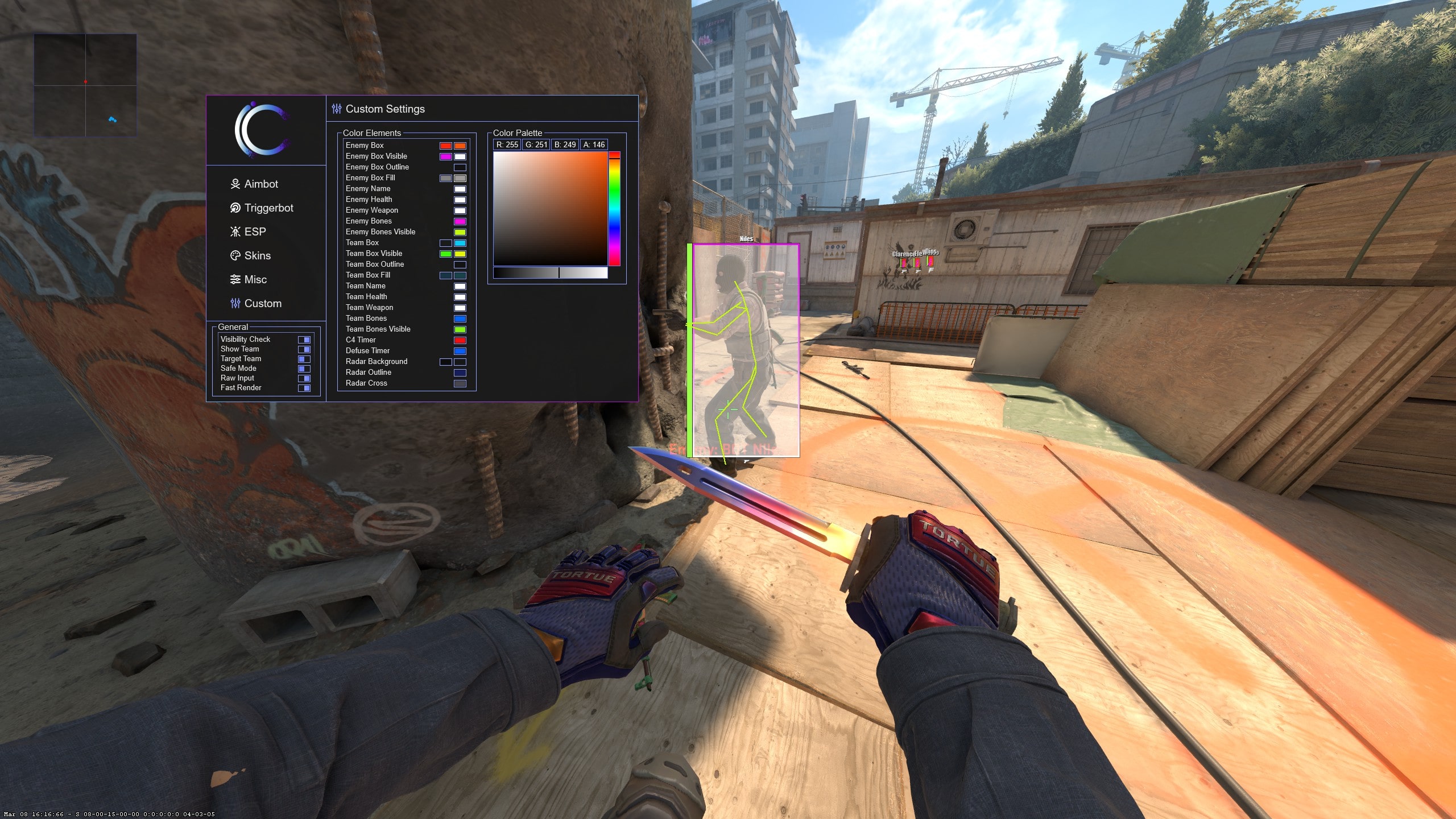
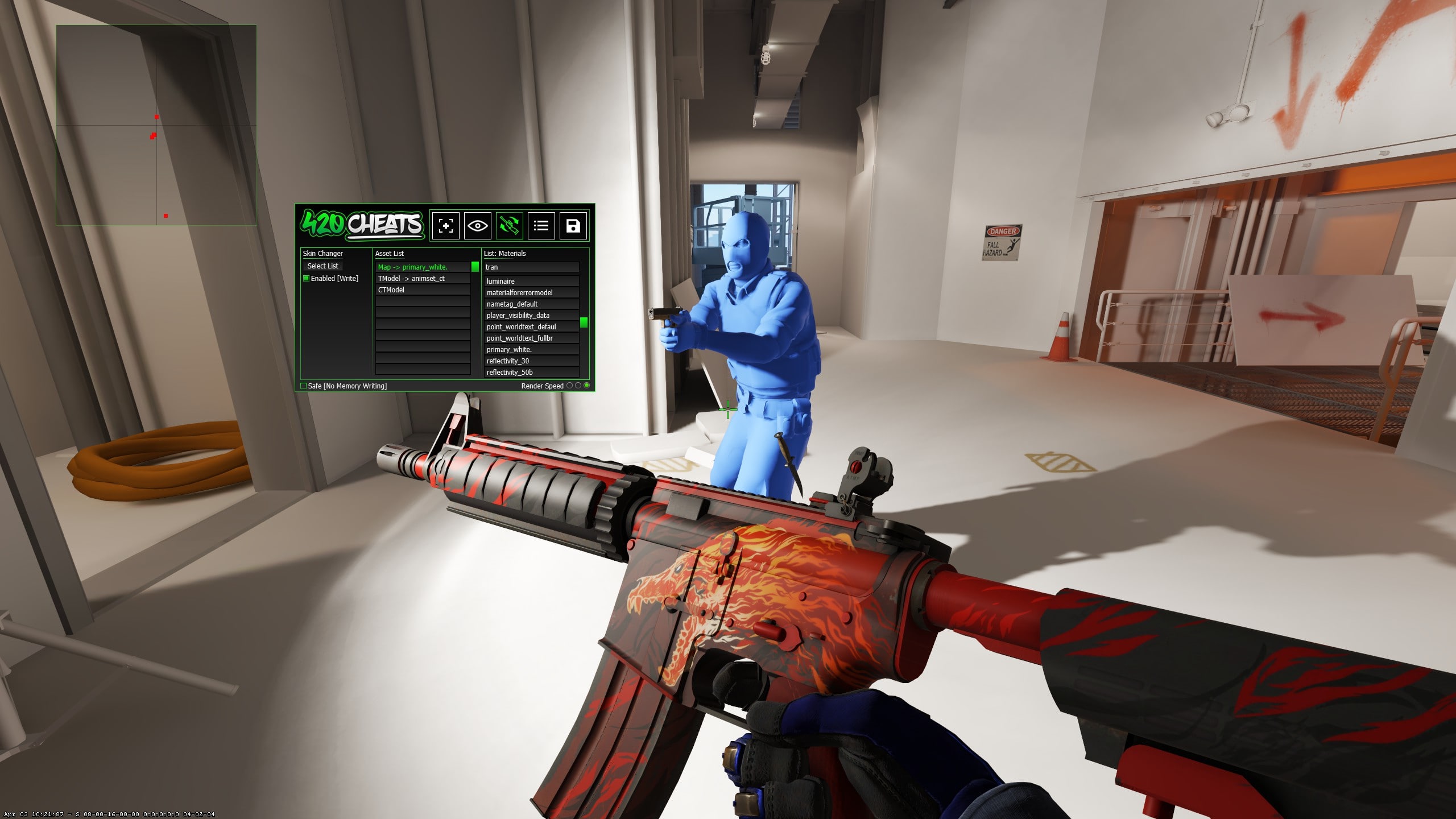
Real interface screenshots matter here because they show how choices are organised. The gallery below includes the weapon, knife, glove, agent and model sections instead of relying on generic skin artwork.
Agents, player models and complete loadouts
Agent and model controls extend the changer beyond weapons. Supported Counter-Terrorist and Terrorist appearances can be selected from the same focused interface, making it possible to save a complete visual theme rather than configuring only a knife.
Saved configurations reduce setup time for recurring loadouts. When configuration sharing is supported, a complete group of cosmetic values can also be loaded without recreating each choice manually.
Pattern, wear, StatTrak and custom names
A finish name is only one part of how a cosmetic appears. Supported pattern values can change the placement of a texture, while wear controls the displayed condition. StatTrak and custom-name fields add the finishing details for supported items.
Not every finish reacts to every value in the same way. Start with the default appearance, change one property and save the combination only after it looks correct in game.
Skin changer versus inventory changer
Players often use both phrases for the same general tool. Skin changer usually describes applying a finish to an equipped item. Inventory changer can imply a broader collection-style interface covering weapons, knives, gloves, agents and additional item properties.
The Undetek dedicated product covers that wider cosmetic workflow, but the result is still local rather than a genuine Steam inventory. This distinction should be clear before purchase.
Dedicated changer or complete CS2 cheat?
The dedicated Skin Changer starts at $2.99 and is the clearest choice when cosmetics are the only priority. It avoids charging for aimbot, ESP, wallhack, radar and triggerbot features that you do not intend to use.
Undetek+, iCheat Pro and 420Cheats Pro include cosmetic controls inside broader suites. Choose one of those when you want gameplay and cosmetic features in a single application; choose the dedicated product when you want the lowest-cost focused interface.