What “external” means
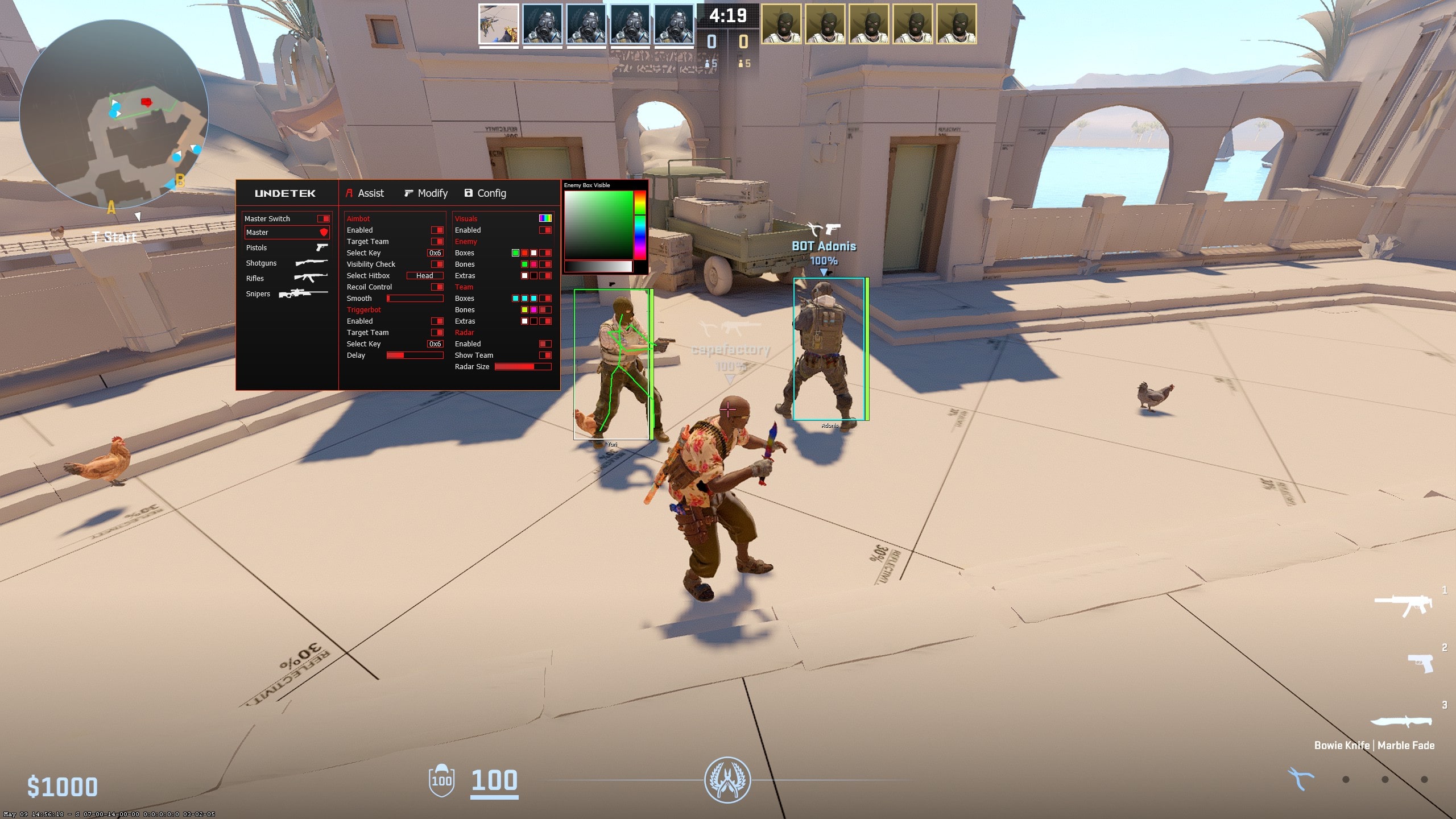
An external CS2 cheat runs as a separate process rather than being loaded as an internal game module. The products on this site use external architectures and advertise no hooks. That distinction affects how the software is built and how its interface is presented.
External is an architecture label, not a safety certificate. It does not remove the possibility of future detection, VACNet cooldowns, gameplay reports or manual action. Status should be dated and checked again after product, Windows or Counter-Strike 2 updates.
External versus internal CS2 software
Internal software is commonly described as operating from within the game process, while external software remains a separate process. The distinction can affect supported features, rendering and maintenance, but a shopper cannot judge quality or risk from the label alone.
Compare the actual menu, update approach, support path and feature list. The listed range deliberately focuses on external products; this page does not claim that one architecture makes an account immune to anti-cheat systems.
External does not mean feature-light
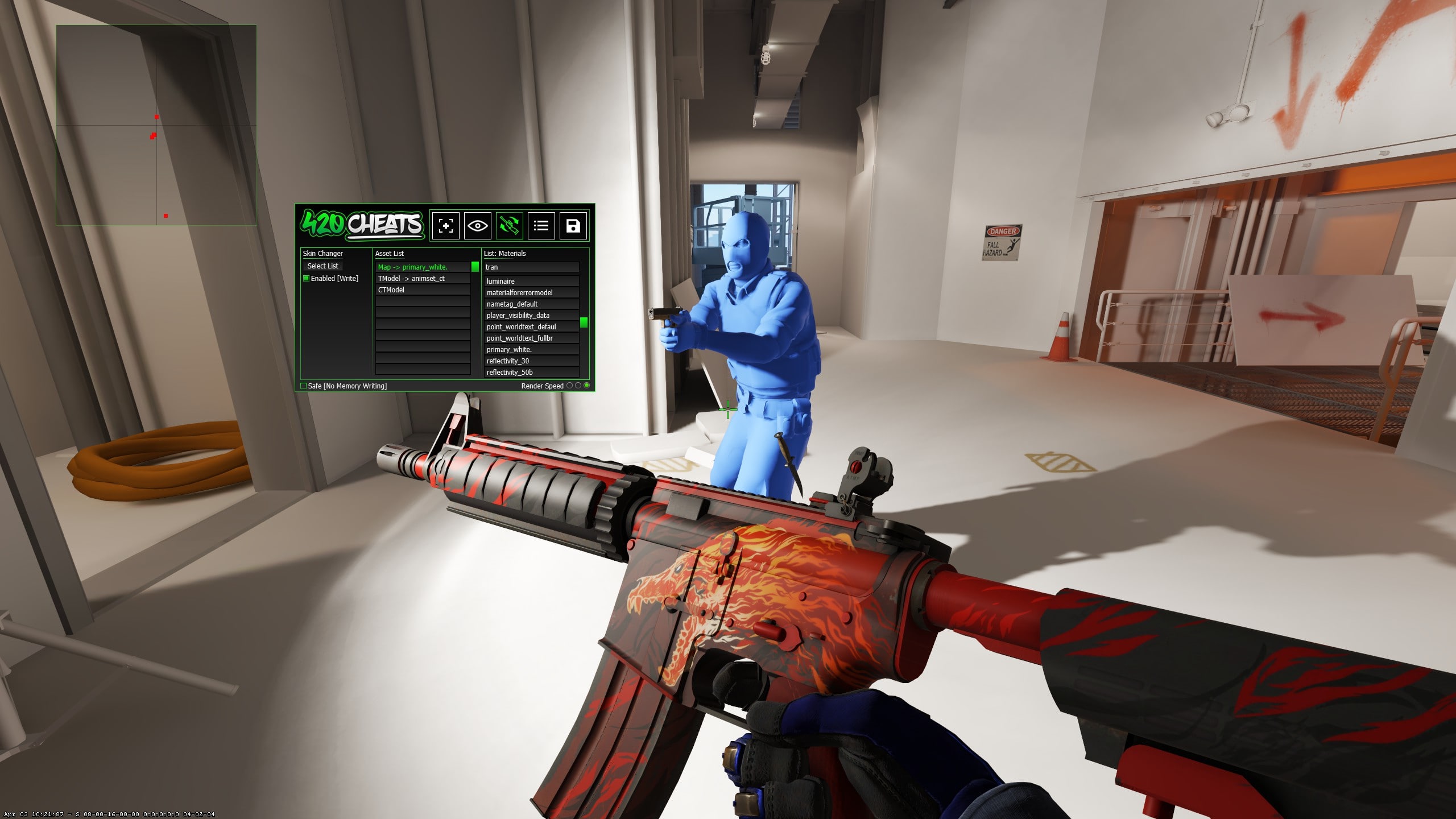
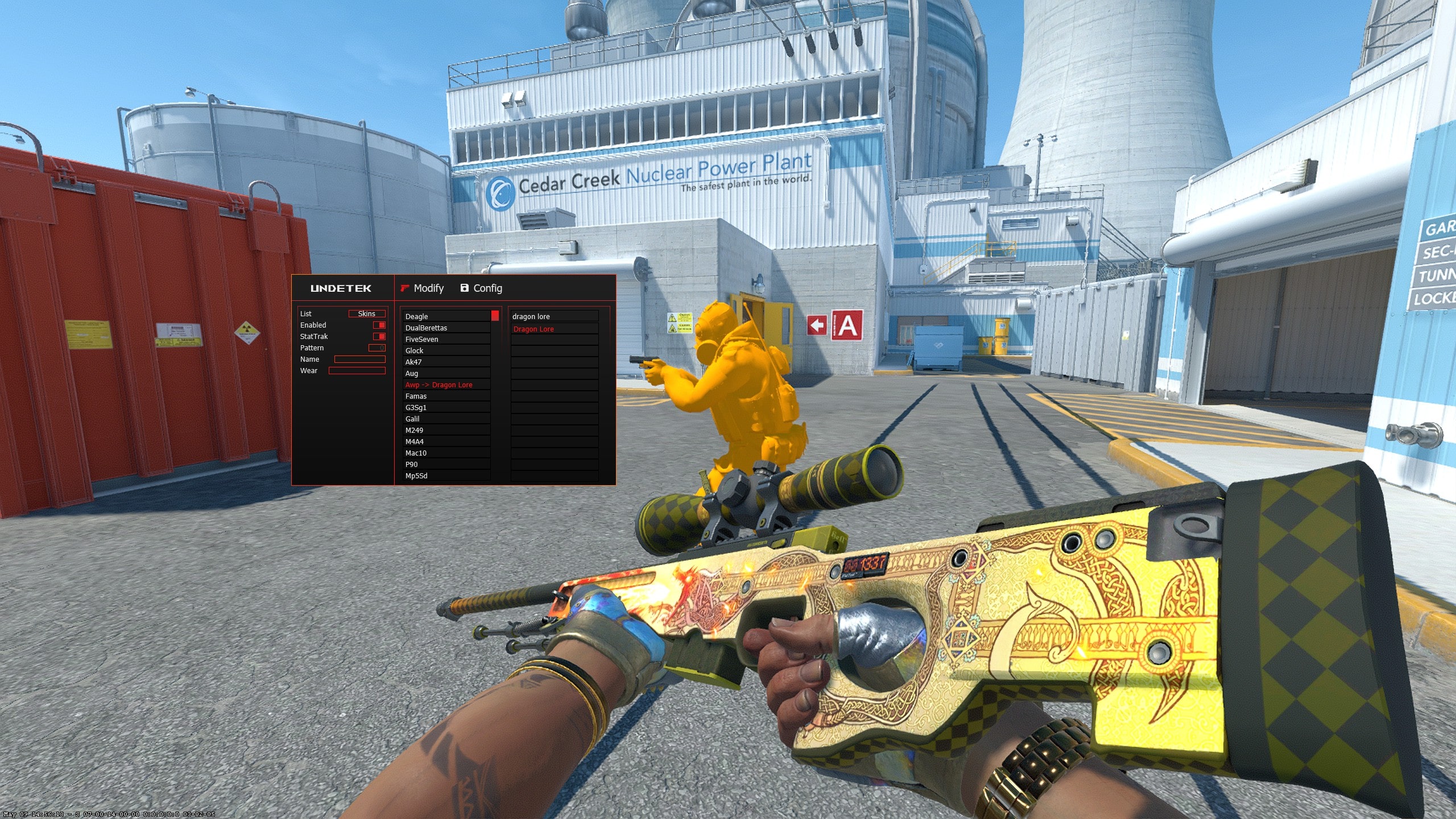
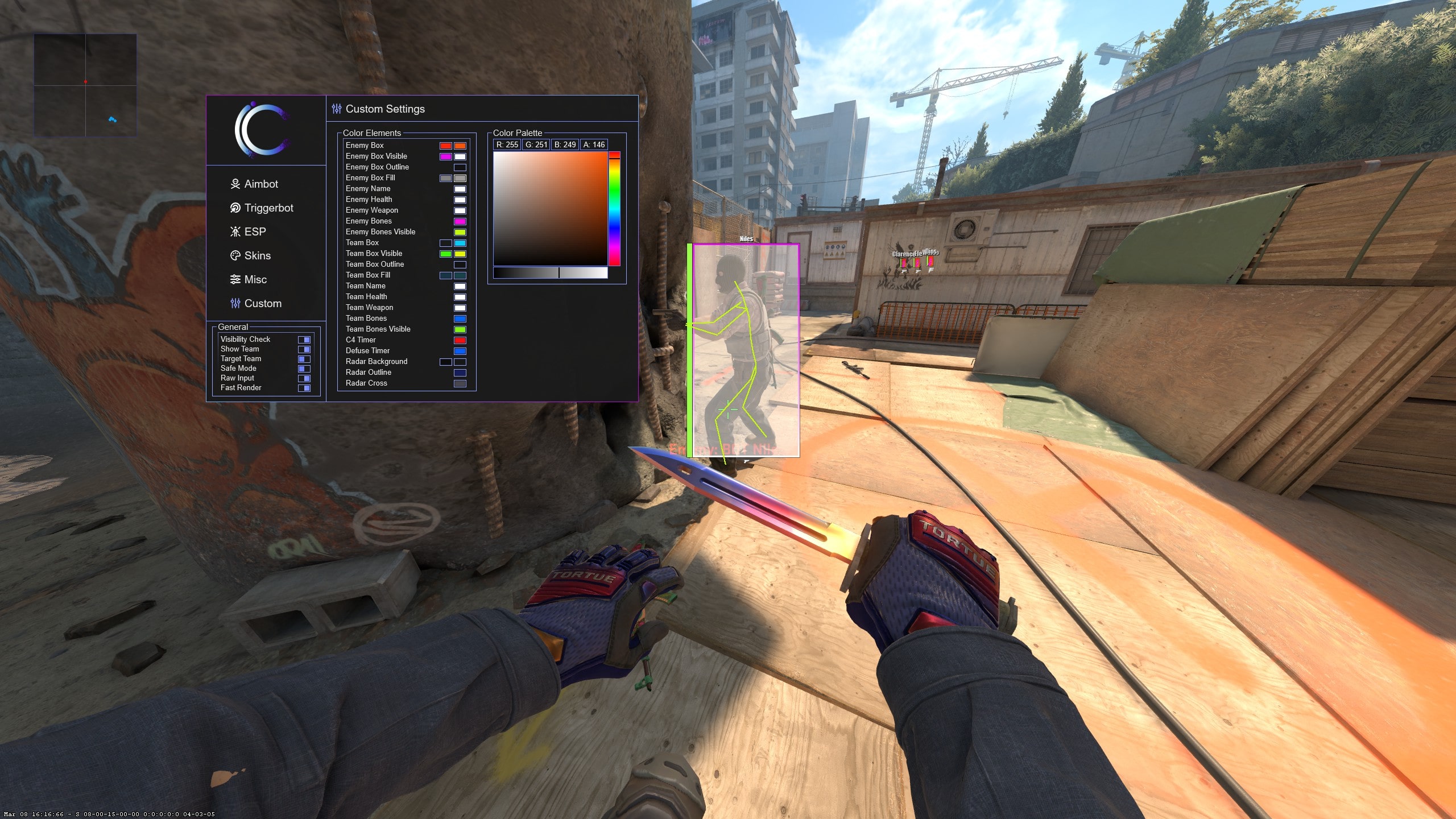
Modern external products can include aim assistance, ESP, triggerbot, radar and complete cosmetic tools. Undetek+, iCheat Pro and 420Cheats Pro combine those categories in full suites. The dedicated Skin Changer removes the gameplay features and concentrates on locally displayed cosmetics.
Web Radar is another external format: a Windows client supplies live match information to a private browser view. The free CS2 cheat covers core aim, ESP and triggerbot without a purchase. The practical differences are configuration depth, display format, update process, support and price.
Updates and current compatibility
Counter-Strike 2 changes can affect compatibility even when a product worked during the previous session. The listed cheats are described as updated frequently, so use the current release and check the live destination after a game update rather than assuming an older build remains suitable.
According to the supplied product history, the cheats have no known VAC detection. That claim describes the information available in the dated publisher information; it cannot promise that a future release or future anti-cheat change will have the same outcome.
Choosing a full external suite
Choose Undetek+ when value and a simpler menu matter most. It is the lowest-priced paid full suite at $4.49 for two weeks. Choose iCheat Pro or 420Cheats Pro when deeper aim, ESP, triggerbot and recoil configuration justifies the $5.99 two-week starting price.
iCheat Pro and 420Cheats Pro occupy a similar advanced tier, so use their real screenshots and individual product pages to compare how the menus organise settings. Longer-term prices are listed on the full comparison page.
Choosing a focused external tool
Choose the dedicated Skin Changer when you want locally displayed weapons, knives, gloves, agents and models without aim or ESP. It starts at $2.99. Choose Web Radar when the priority is a private browser map on desktop or mobile rather than player labels in the game view.
Choose the free CS2 cheat when you want to test the core aim, ESP and triggerbot workflow without purchasing. These focused choices can be clearer than paying for a longer list of features that will not be used.
Status, reports and VACNet cooldowns
VAC detection, VACNet cooldowns and gameplay reports are not interchangeable. A product can have no known VAC detection and still be associated with account consequences caused by conspicuous or automated gameplay. External architecture does not prevent those outcomes.
Read the dedicated status and VACNet guide, verify the newest release and stop after a game update until current compatibility is confirmed. No product, architecture or configuration can guarantee that an account will never be penalised.