What is a CS2 radar hack?
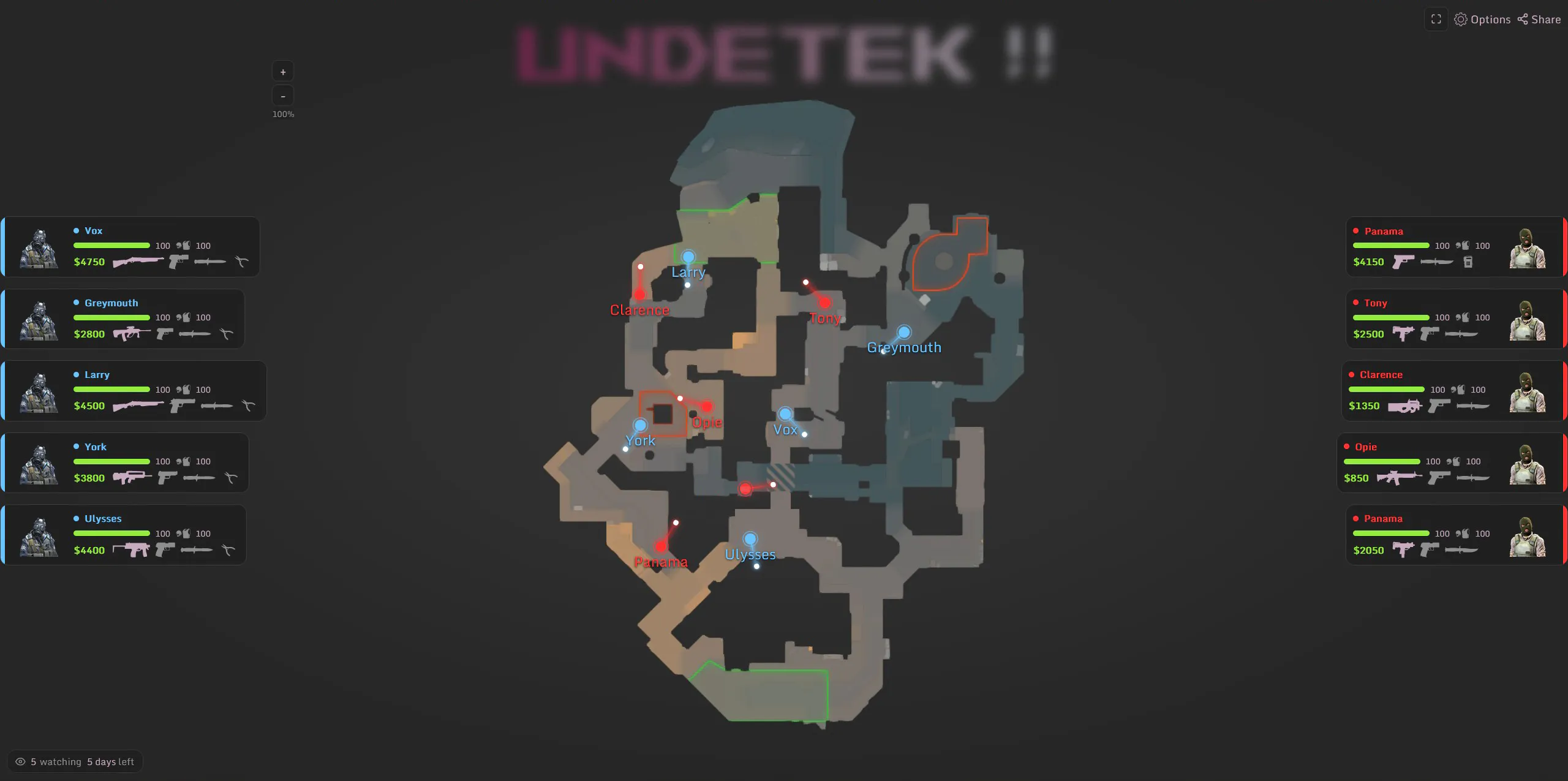
A CS2 radar hack provides positional or match information beyond Counter-Strike 2’s standard radar. A web radar moves that information into a normal browser, keeping the map separate from the game window and making it easy to view on another screen.
The Undetek Web Radar uses a small client on the gaming PC to generate a private radar link. Open that link in a supported browser and the interactive map updates as the match changes. This is different from a static map, minimap replacement or screenshot-based tracker.
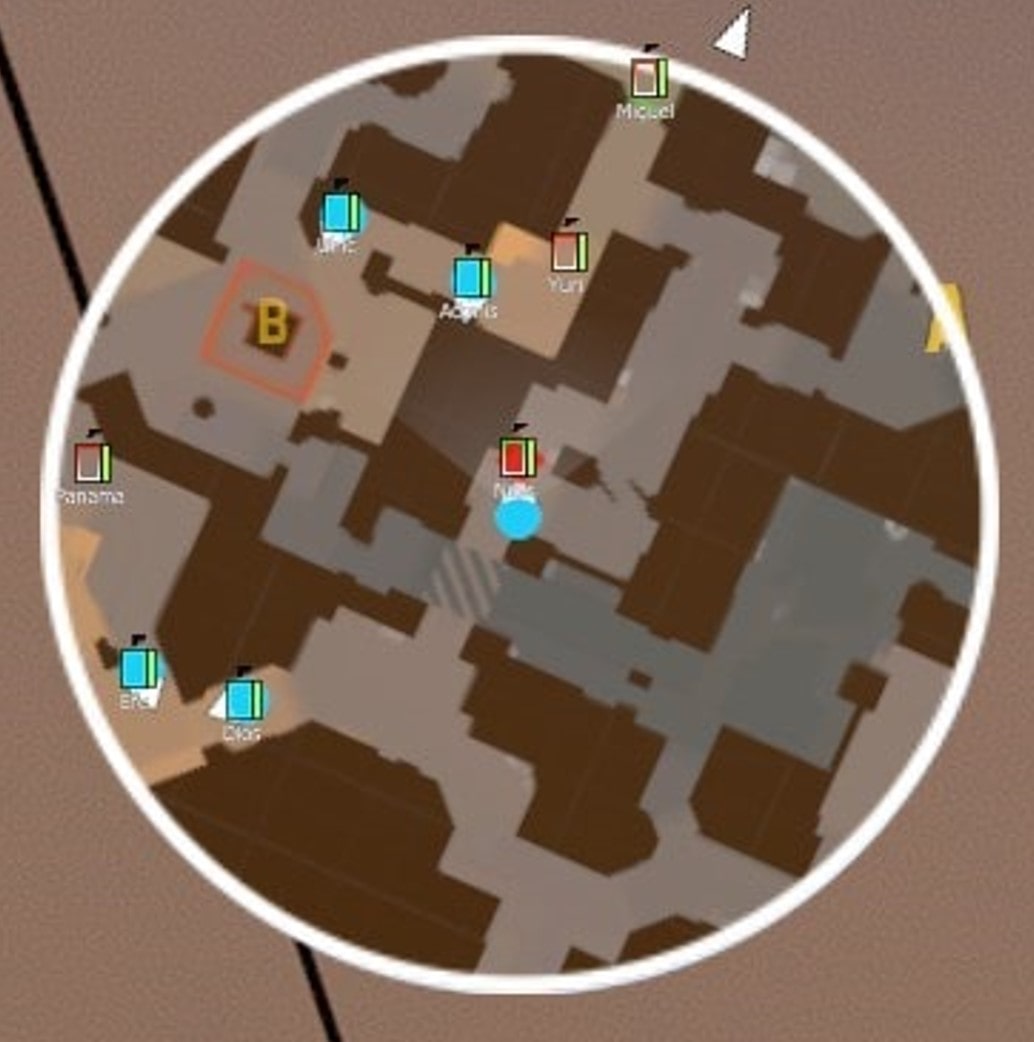
Live player positions and movement direction
Player markers update in real time to show the position and direction of teammates and opponents. Names and team colours make specific players easier to identify, while alive and dead states prevent eliminated players from cluttering the current round view.
On maps with vertical areas, multi-level support helps distinguish players on different floors. That matters on layouts where a flat overview would otherwise place two separate positions on top of each other.
- Live enemy and teammate positions
- Movement direction
- Player names and team colours
- Alive and eliminated states
- Multi-floor map information
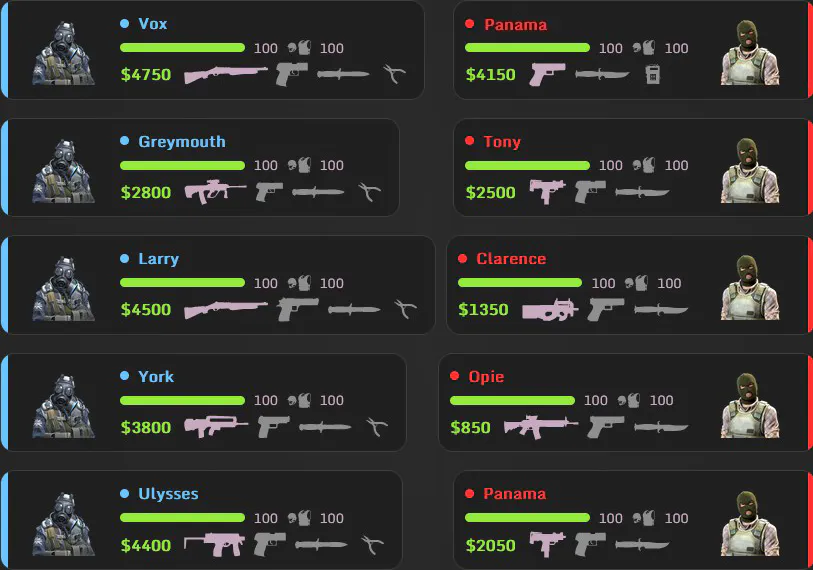
Health, armour, weapons, money and bomb information
The web radar adds context to each position. Supported information includes current health, armour, equipped weapon and player money, helping the viewer understand the state of the round rather than seeing unexplained dots on a map.
Bomb information shows the carrier and supported status changes as the objective moves through the round. These details are presented in the same browser interface, so the viewer does not need to switch between multiple tools.
Use the CS2 web radar on mobile, tablet or desktop
The viewing device does not need the Windows radar client. Open the private link in a modern browser on a phone, tablet, laptop, second PC or the same gaming computer. A second device is optional, although it keeps the map separate from the main game display.
A phone is the most compact option, a tablet provides a larger dedicated map and a second monitor or laptop creates the clearest full-size view. Because the viewer is browser-based, friends can open a shared link without installing the client themselves.
Private radar links and sharing with friends
The client generates the link used to view the active radar. Share it only with people who should see the session, and create or close sessions according to the current product instructions. Friends opening the link see the browser view rather than downloading or injecting the Windows client.
The player running the client and a person viewing a shared link have different technical roles. Viewing through a browser does not involve installing the client on the viewing device, but the gaming PC still runs third-party software and retains the associated account risk.
CS2 Web Radar compatibility and performance
The supplied product information lists support for official Counter-Strike 2 Premier and Competitive matches and states that FACEIT is not currently supported. Official maps are supported along with selected custom maps; check the current destination page when a particular map is essential.
We do not have measured FPS or latency benchmarks for this radar. A separate browser view does not eliminate the work done by the Windows client. Performance depends on the gaming PC, network, viewing device and other running software.
Free trial versus unlimited Web Radar access
The publisher-provided offer lists an initial seven-day free period and an unlimited-access upgrade. We have not independently verified the current trial conditions or upgrade price. Confirm those terms on the official destination before relying on the offer.
Download the current client to try the workflow, or use the unlimited-access button when you already know the radar fits your setup. Check live status and final access terms on Undetek.com before running or purchasing.
Web radar versus in-game radar and ESP
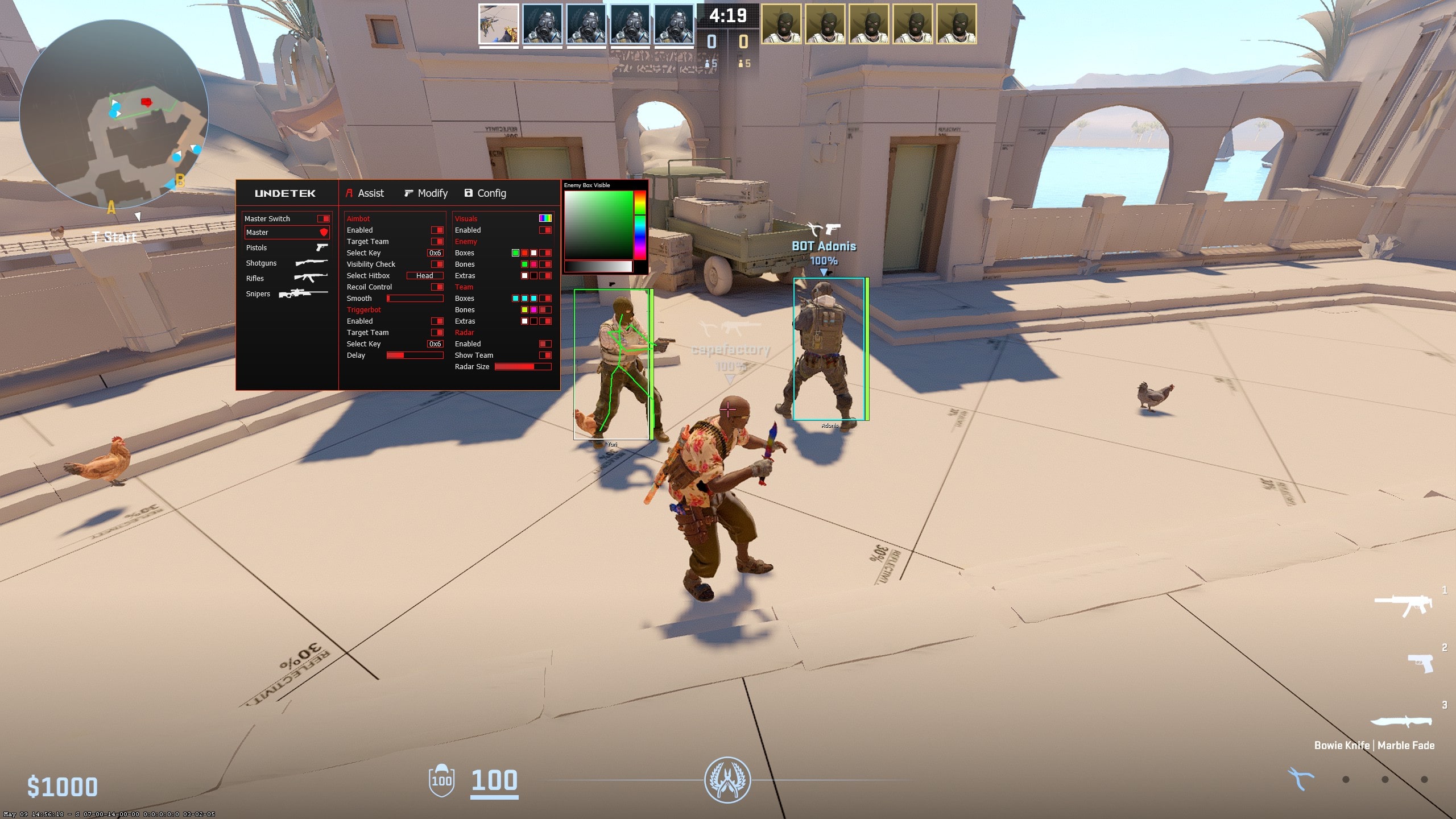
A browser radar is best when you want a complete map on a separate screen or want another viewer to follow the same information. A conventional radar inside a full product keeps the display closer to the game, while ESP places information around players in the main view.
The right format depends on where you want to look. Web Radar prioritises a shareable map and device flexibility; ESP prioritises immediate on-screen context; a standard cheat radar offers a compact in-game alternative.